Add a product
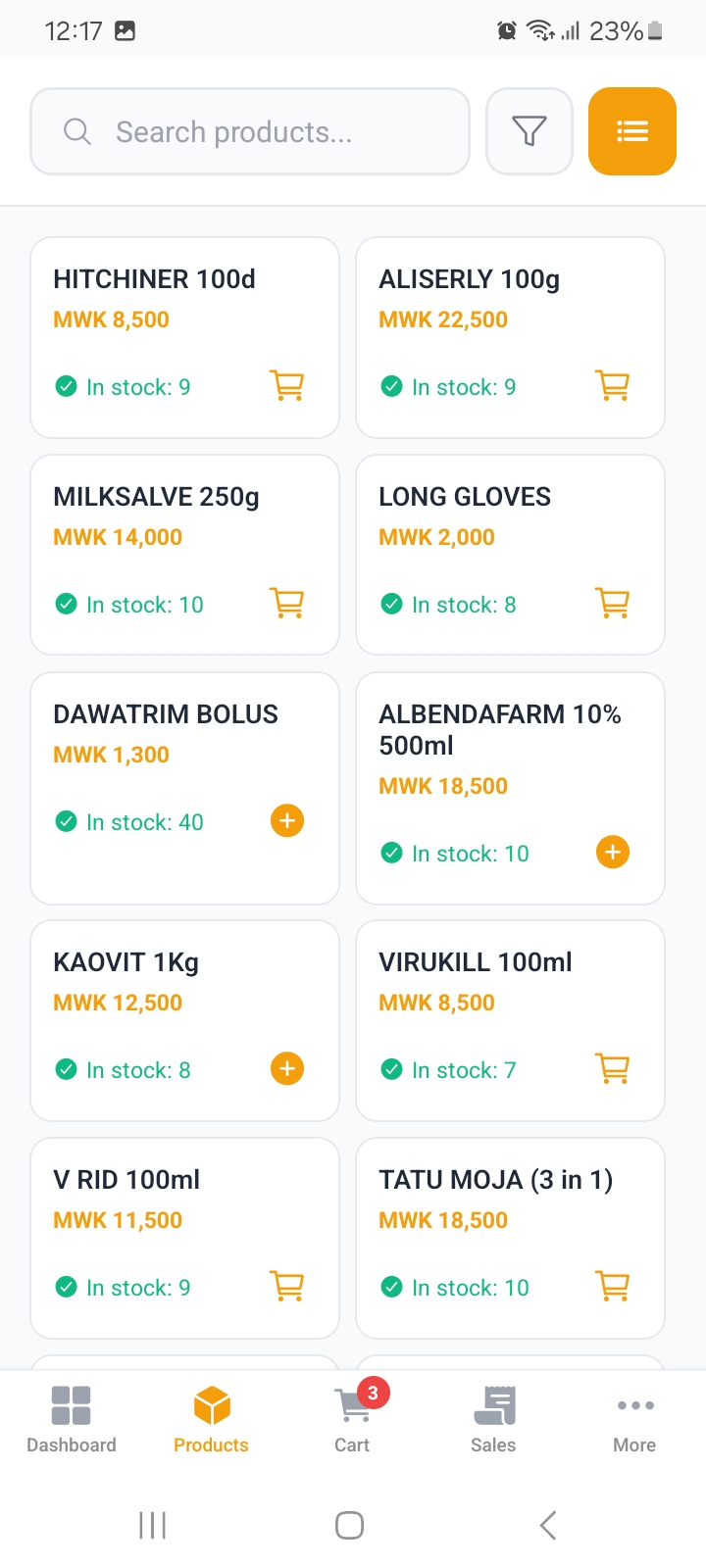
Products, then the add button:
| Field | Notes |
|---|---|
| Product Name | Required. |
| Selling Price | Required. What the customer pays. |
| Cost Price | Required. What you paid, so profit can be worked out. |
| Quantity | Stock on hand now. |
| SKU | Leave blank and one is generated for you. |
| Barcode | Optional. Lets you scan instead of search. |
| Category | Optional. Missing categories can be created as you go. |
| Description | Optional note shown on the product. |
Two fields save time on weighing and multi packs:
- Quick Quantities: common weights such as
0.25,0.5,1, so a cashier taps the amount instead of typing it. - Pack Size: pieces per pack, for pricing by the piece.
Find anything quickly
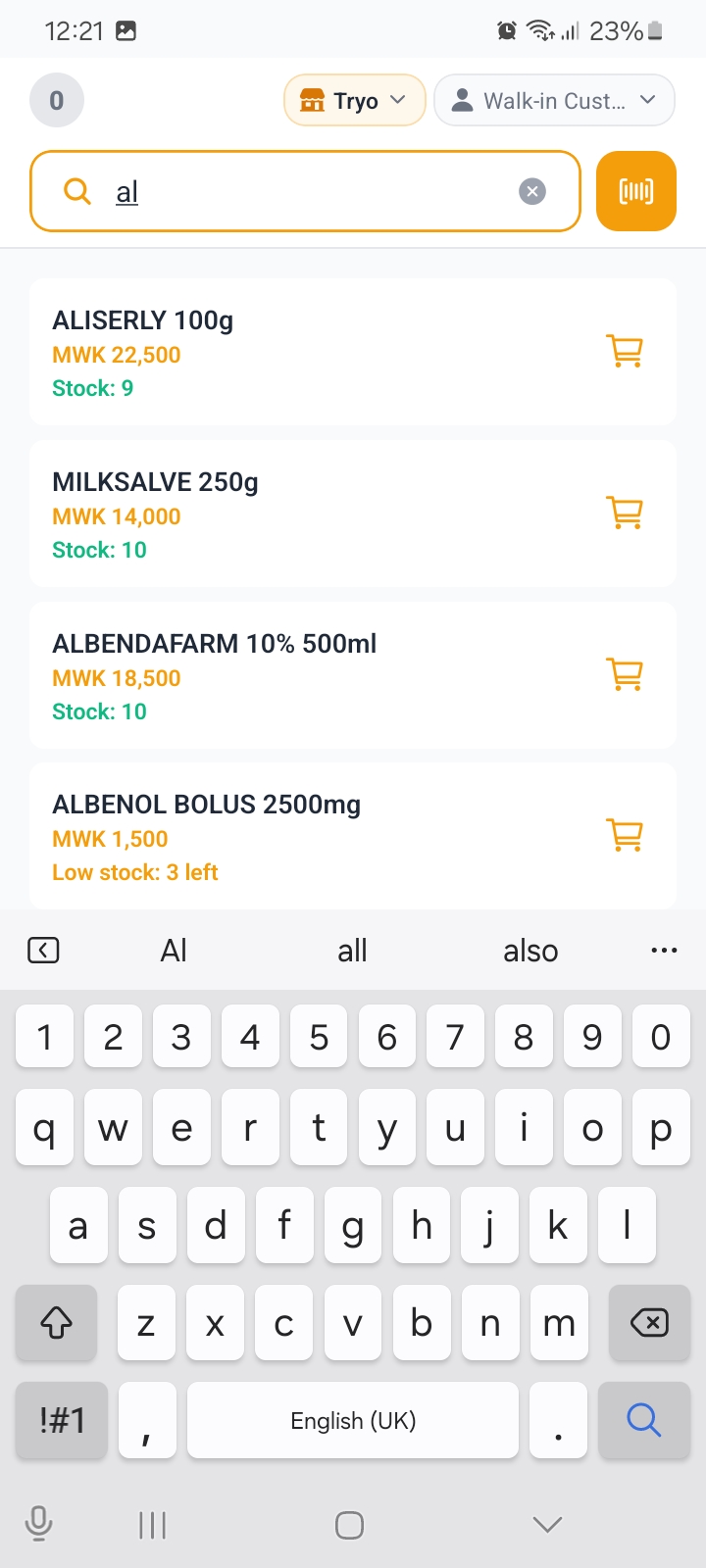
The search bar on Products matches on the name, SKU or barcode as you type.
Scanning a barcode jumps straight to the right item, which is the fastest path at a busy till. Keep barcodes filled in for anything you scan often.
Tapping a product opens it, where you can edit it, see its stock and check recent movements.
Categories
Inventory, then Categories: add, rename or merge the groups your shop uses.
Categories do more than tidy the list: they drive the category performance report, which shows revenue and margin per category, and they cap how many groups you can hold, which depends on your plan.
Keeping the count right
Every path that changes stock writes a movement, so the history always adds up:
| Where | When to use it |
|---|---|
| Stock | The live list, with cost and inventory value. |
| Stock Movements | Every change, with the reason and who did it. |
| Stock Count | A physical count: what the shelf says versus what the app says. |
| Stock Transfers | Moving stock between outlets. |
| Purchase Orders | Restocking from a supplier. |
| Suppliers | Who you buy from, and their contacts. |
| Export CSV | Download the whole product list as a file. |
| Import CSV | Upload a product list in bulk. |
Set a minimum stock on a product and it turns up in Low Stock on the dashboard and in the low stock and reorder reports, so you find out before you run out.
Importing a whole list? See Product Import (CSV).